stomme
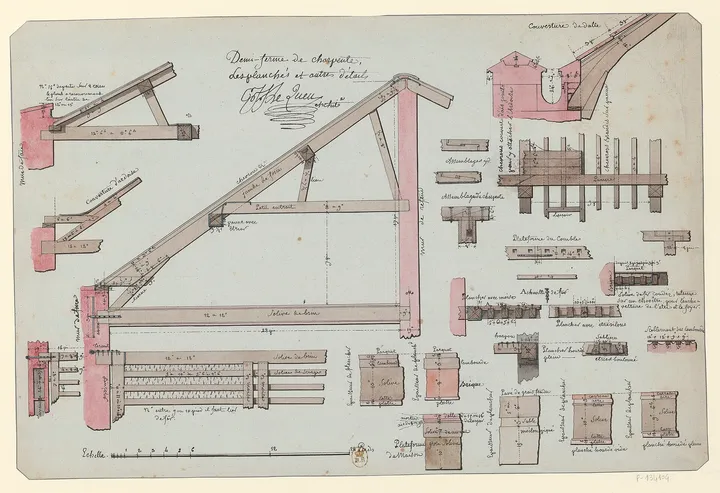
stomme (Swedish), the load-bearing frame of a building: the part you raise before the walls go on.
An open-source site engine, AGPL-3.0-only.
- 42blocks in the library
- 0cookies in the metrics
A block-based site engine for Astro. Editors change typed blocks in a Git-backed CMS with a live preview, and the site ships static.
Named for the frame
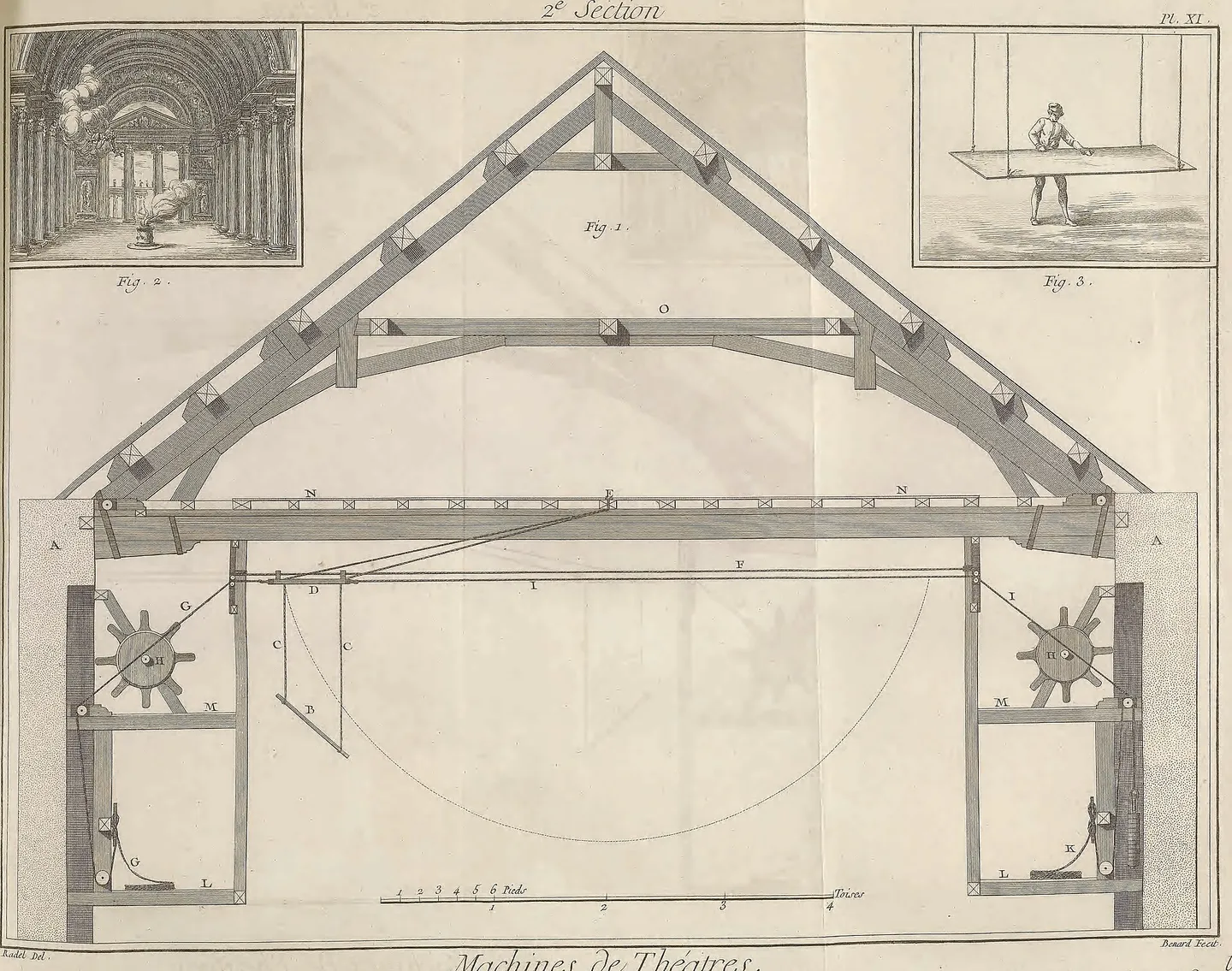
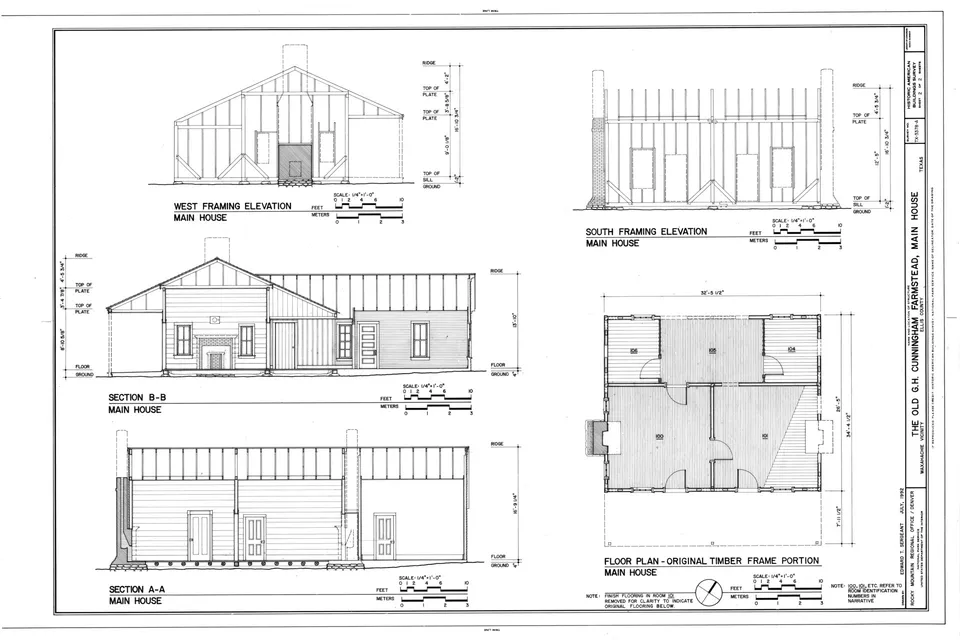
In Swedish, a building’s stomme is its load-bearing frame. It decides where every wall can go, and it stays when the walls are repainted or moved.
The engine is that frame for a site. You build it once, as blocks, fields and a theme. A page is a Markdown file of blocks, so you can change the theme or upgrade the engine and the words stay where they are.
It is for developers who build sites that other people edit. Editors compose pages but cannot set a margin or a font size, so every page stays inside the design. stomme is open source, AGPL-3.0-only.
What you get
All of it ships in the engine. The optional parts stay off until a site turns them on.
42 blocks, styled and themeable
Heroes, pricing, galleries, FAQs, forms and maps, recoloured with tokens in theme.md.
A CMS made from your catalog
The generator writes the Sveltia CMS config, and the preview renders the real components.
Static by default
Every page, feed and share card prerenders to a file, and a static build needs no server.
Deploys anywhere
One build script each for Netlify, Cloudflare Workers, Vercel, a Node server or any static host.
Your own blocks beside the library
Add a component, register it and list its fields, and it shows in the CMS and the preview.
SEO and metrics built in
Canonicals, share cards, a sitemap and hreflang, and first-party metrics with no cookies.
From file to page
First it is a file in your repository.
A page is Markdown whose frontmatter lists blocks in order.
Then an editor opens it in /admin.
The form is generated from the block catalog. Nothing to keep in step.
The preview draws the real block.
/preview renders the draft through the same renderer and layout as the built site.
The build writes it out as a file.
Save, the CMS commits, a host that builds on every commit publishes /pricing/.
The documentation
Start with the tutorial. The how-to guides get something done, the reference has every exact name, and the explanations say why.
- Tutorial Scaffold a site, add a page in the CMS and build it.1 page
- How-to guides Connect the CMS, theme a site, add a custom block, deploy.13 guides
- Reference Every block, config key, collection, command and route.10 pages
- Explanation How the pieces fit together, and why pages are typed blocks.3 pages
Raise your first site
You need Node.js 22.19 or later, pnpm 11 and git. The scaffolder asks for a blank site or the Wren & Sorrel demo, then the site runs at localhost:4321 and the CMS at /admin.
Start the tutorialpnpm create stomme my-site
cd my-site
pnpm install
pnpm dev