Your first site
Scaffold a site, add a page in the CMS while the preview shows it, and build it to static files.
You need Node.js 22.19 or later, pnpm 11, git, and Chrome or Edge for the CMS. The CMS works on your files directly through the browser's folder access, which those two browsers support.
Create the site
Scaffold a site from the Wren & Sorrel demo, a finished site for a fictional garden studio, so the CMS has real pages and photos to show. Leave out
--demoand the scaffolder asks, with a blank site as the default.pnpm create stomme my-site --demoInstall the site. The scaffolder made it its own git repository, and it installs the engine from the npm registry.
cd my-site && pnpm install
Connect the CMS
Name the site's GitHub repository in
src/site.config.ts. The repository does not have to exist yet: locally, the CMS reads and writes the folder on disk.export const site: SiteConfig = { cms: { backend: 'github', repo: 'your-name/my-site' }, routes: { // …Start the dev server. It regenerates the CMS config from the block catalog, then serves the site.
pnpm devOpen
http://localhost:4321and you see the demo's home page.
Add a page in the CMS
Open
http://localhost:4321/admin/in Chrome or Edge. Choose Work with Local Repository and pick themy-sitefolder when the browser asks.Open Pages and create a new page. Fill in:
- Published: on. The switch is the first field of the form, and a new page starts with it off.
- Title:
Pricing - SEO › SEO title:
Pricing, and SEO description:What it costs.
Under Sections, add a Page header with the heading
Pricing. The preview beside the form renders it with the real component as you type.Add a Pricing / plans section with two plans,
Basicat$10andProat$25, and turn on Highlight this plan for Pro. Drag the sections to change their order, and watch the preview follow.Save. The CMS writes
src/content/pages/pricing.md, and the dev server shows the page athttp://localhost:4321/pricing/.cat src/content/pages/pricing.mdThe file holds the title, the SEO fields,
published: trueand your two sections as a list of blocks.
Build it
Build the site as plain static files.
pnpm stomme build --target staticThe build writes
dist/, with your page atdist/pricing/index.html.Serve the build and open
http://localhost:4321/pricing/.pnpm previewbuilds the static site again and serves it.pnpm preview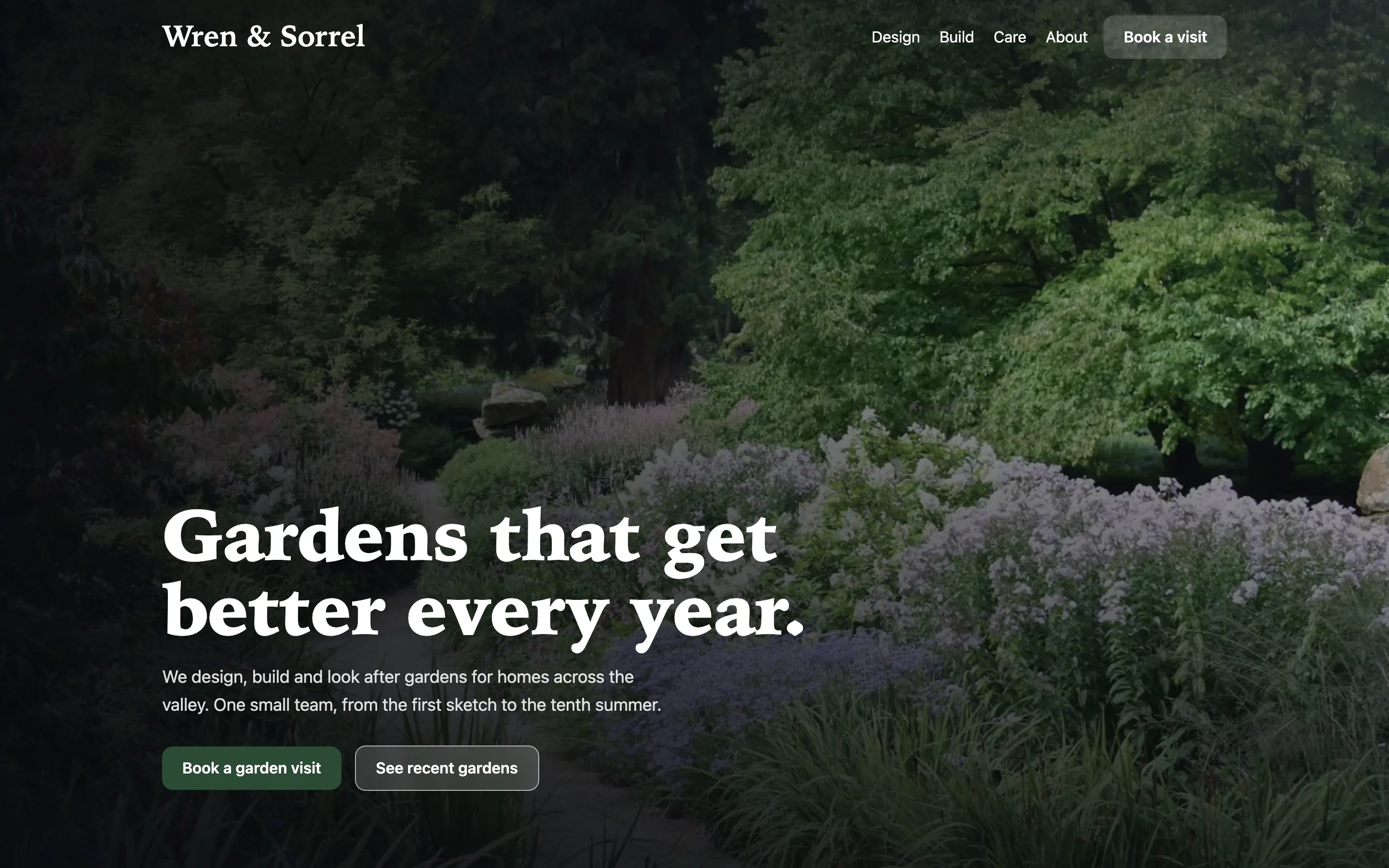
You have a site, a page you made in the CMS, and a static build of both. Next:
- Deploy a site to Netlify, Cloudflare, Vercel, a Node server or any static host.
- Theme a site with your own colours and fonts.
- Blocks lists every block and its fields.